How much data do you need on a trip
A usage table by activity, benchmarks per trip type, and the three settings that save more than picking a bigger plan.
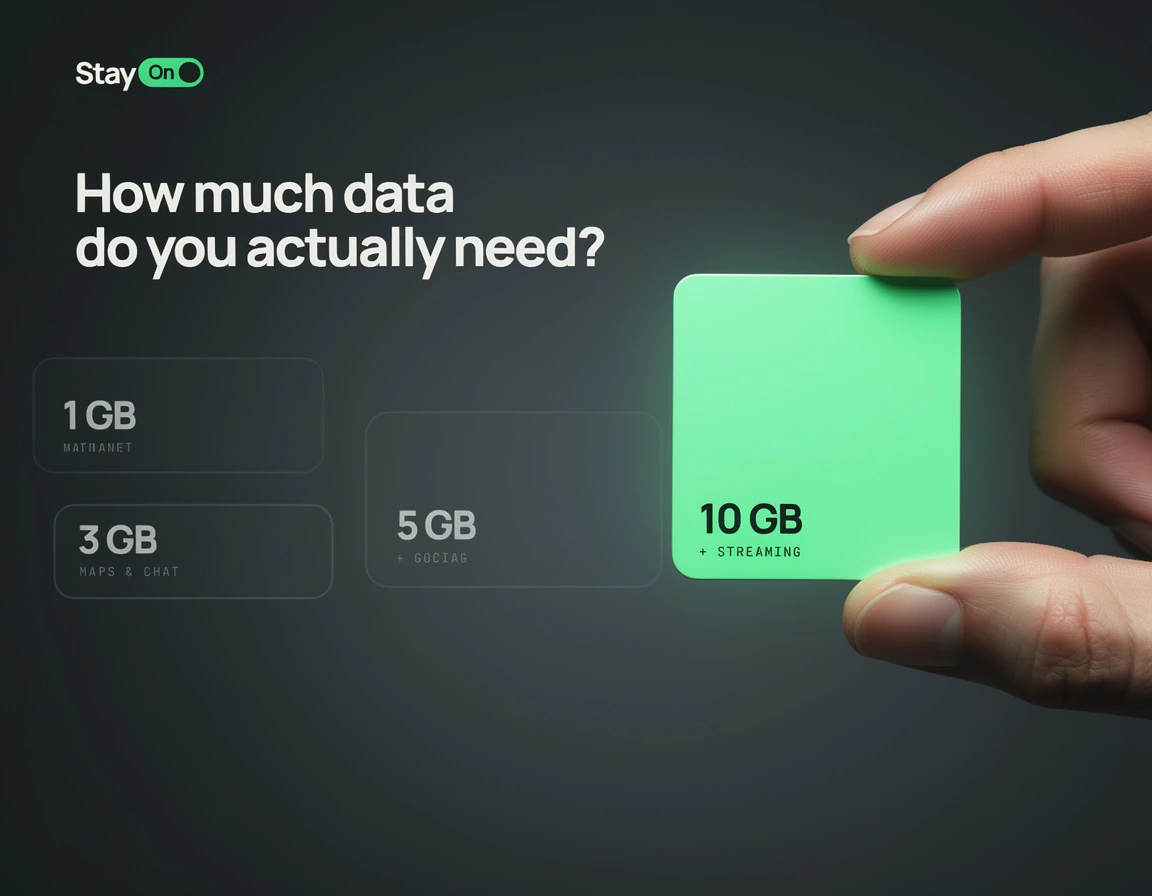
The most common buying mistake is taking extra "just in case". The extra almost never gets used, because hotels, cafés and airports hand out Wi-Fi, while mobile data goes on maps and messengers — the most frugal things on the phone.
What an hour actually costs
| Activity | Per hour |
|---|---|
| Maps and navigation | 5–10 MB |
| Messaging | 2–5 MB |
| Social feeds | 100–250 MB |
| Music streaming | 70–150 MB |
| Video call | 300–500 MB |
| 1080p video | 1.5–2 GB |
The lesson is clear: video eats gigabytes, navigation does not. An hour in Google Maps costs less than three minutes of reels.
Benchmarks by trip type
Beach week — 1–3 GB. Hotel Wi-Fi covers the evenings; mobile data is for day trips: maps, taxis, menu translation, a few stories.
City break, 4–5 days — 3 GB. Maps run almost constantly, plus transit apps, place lookups and tickets.
Two weeks on the move — 5–10 GB. Transfers, heavy navigation, photo backup, finding rooms on the go.
Working from the trip — 10 GB and up. Calls and tethering change everything: one hour of video meetings costs more than a day of ordinary sightseeing.
A month or longer — 20 GB and up, and at that length compare honestly with a local contract, which may come out cheaper.
Three ways to waste data
Photo auto-upload. The most common leak by far. Holiday photos are large, and the cloud will push them over mobile unless told otherwise. Set iCloud or Google Photos to Wi-Fi only.
Autoplay in feeds. Every social app has a "play videos on Wi-Fi only" switch.
Background app refresh. On iPhone: Settings → General → Background App Refresh. On Android: in your app store settings. On iPhone: Settings → General → Background App Refresh.
Those three save more than any saving on the plan itself.
Check your real usage
Do not guess — look. iPhone: Settings → Cellular, the statistics section. Android: Settings → Network & internet → Data usage. Reset the counter at the start of a normal week at home: that number, minus what you normally do on Wi-Fi, is your benchmark.
If it still runs out
You top up the same profile — here is how. No new eSIM, nothing changes on the phone. Which is why buying the smaller plan and topping up if needed almost always beats paying for headroom upfront.
In short
- Video is gigabytes; maps are megabytes.
- Beach week: 1–3 GB. City break: 3 GB. Working trip: 10 GB and up.
- Turn off photo auto-upload — it is the main leak.
- Check your own statistics instead of guessing.
- Cheaper to buy small and top up than to overpay for headroom.